Practice files
Practice files
In Vetocare, you can easily share files among all employees. These files can also be used for multiple purposes.
Standard messages
You can insert attachments from the practice files into standard messages. This means they are automatically included in every email that uses the standard message. For more information about standard messages, see: Standard messages.
Sending an email
When sending an email, you can also choose a file from the practice files and attach it. For more information, see: Sending an email.
Drawings
When creating a drawing, you can choose between files belonging to the animal, practice files, or uploading a file yourself. Using practice files, you have access to, for example, the same X-rays for every animal. For more information about drawings, see: Creating a drawing.
Managing practice files
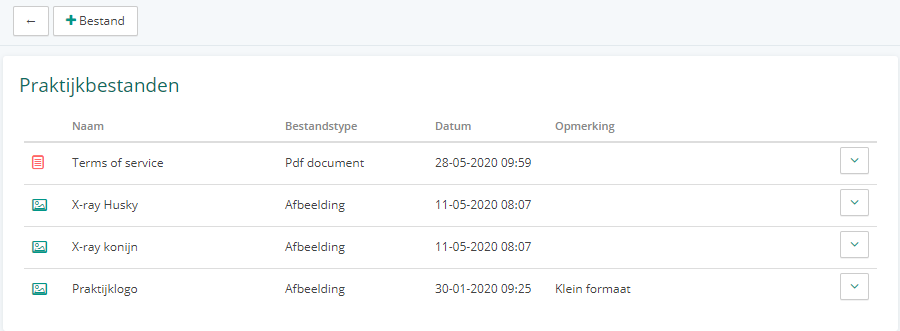
You can find the practice files by going to "Settings" and selecting the "Practice files" option under the "General" section. Here, you can upload files by clicking the "+ File" button. You can also click a file in the list to preview and download it. By clicking the arrow next to a file in the list, you can rename the file, add a comment, or delete it.