

Remove an animal
Remove an animal
Animals are regularly added and leave, so it sometimes happens that you need to remove an animal from your Vetocare.
To remove an animal from your Vetocare, first navigate to "Clients". From the overview of clients, select the client to whom the animal is linked. From the client's page, you can go directly to the animal's overview. You can also click the animal's name directly from the complete client overview; it is listed below the client's name.
As you can see, you are now in the animal's overview.
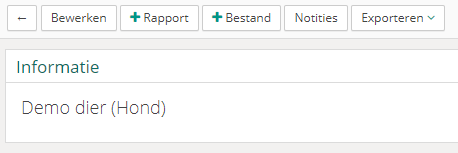
To remove the animal from Vetocare, first click the "Edit" button. The "Delete" button will then appear.

Once you click the "Delete" button, you will be asked to confirm that you really want to remove the animal from Vetocare. Once confirmed, the animal will be removed from Vetocare.