

National holidays
National holidays
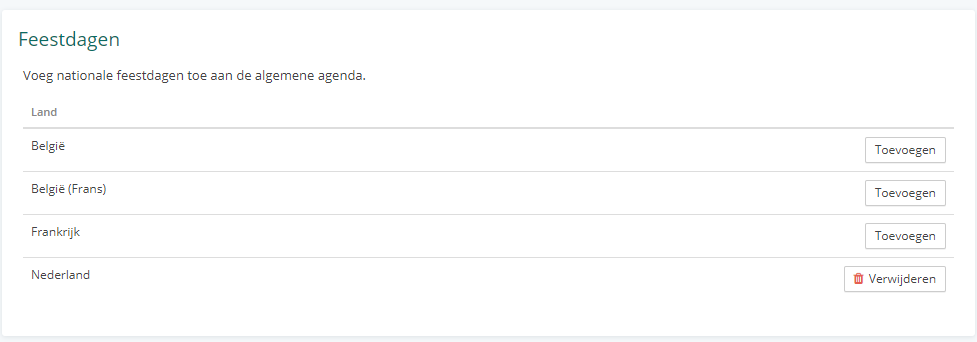
In Vetocare, you can add national holidays to the calendar. Holidays are added to the calendar as regular appointments. If you have multiple calendars, they are added to the general calendar. To add holidays to the calendar, go to "Settings". Here, select the "Holidays" option under the "Calendar" heading. You can add holidays from several countries here. Click the "Add" button next to the country whose holidays you want to add. It may take a few seconds after clicking; the button will then change to a "Remove" button. The Remove button removes all holidays for that country again.
Was this helpful?
Was this helpful?