

Adding a contact
Adding a contact
Within Vetocare, you can easily add contacts to a contact book and then link them to your clients, their animals, or other contacts.
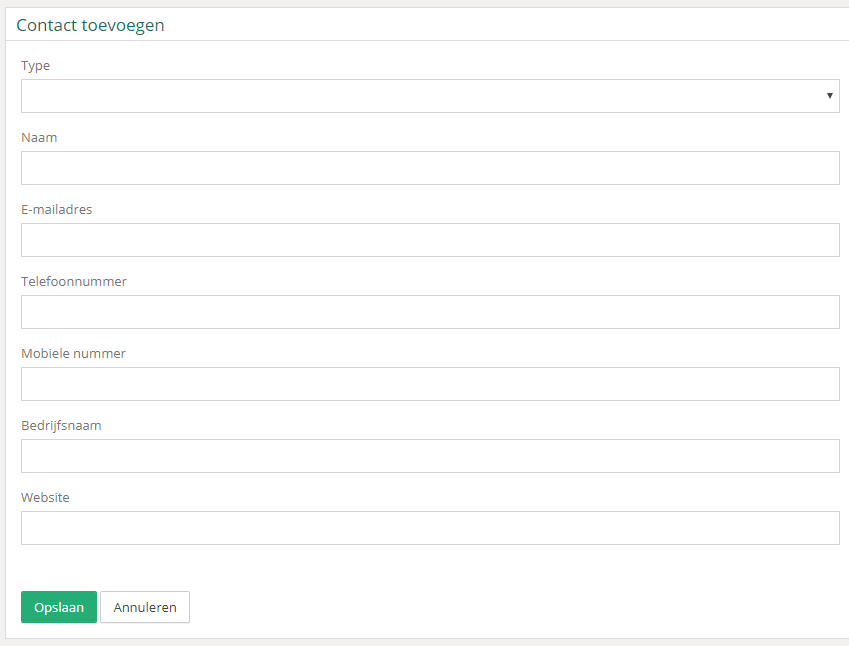
To add a contact, click the "Add contact" button. This will open a new screen where you can immediately enter all the information.
The only required fields are the contact type and the contact person's name. You can complete the rest with any other known information as desired.
Created contacts can then be linked to clients, animals, or other contacts. For more information, click here.
Was this helpful?
Was this helpful?