

Move an event
Move an event
An event that is already on the calendar can always be moved, even if it has already taken place.
If an appointment reminder has already been sent and the event is moved, the reminder will be sent again on the new date, taking into account the setting for how far in advance the reminder should be sent.
There are several ways to move an event:
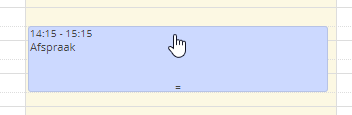
One way is to drag the event in the calendar overview. This only works on devices operated with a mouse, not on a touchscreen. You can easily move it slightly to the side, or change its duration using the two lines at the bottom.
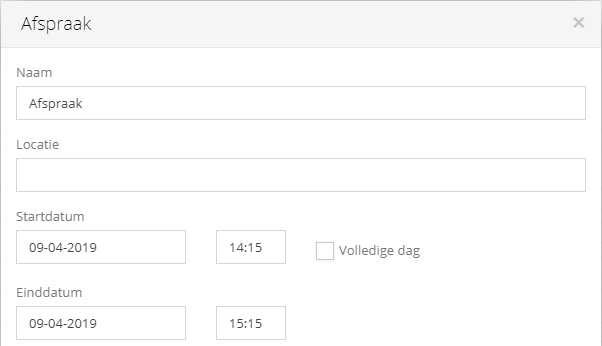
Another way is to open the event by clicking it and then adjust the times directly. After saving, the event will immediately appear at the new times.
Was this helpful?
Was this helpful?