

Set up practice details
Set up practice details
Vetocare offers many benefits once you have added your practice details.
For example, invoices will automatically be populated with your practice details.
To edit your practice details, first navigate to "Settings", then go to "Practice details".
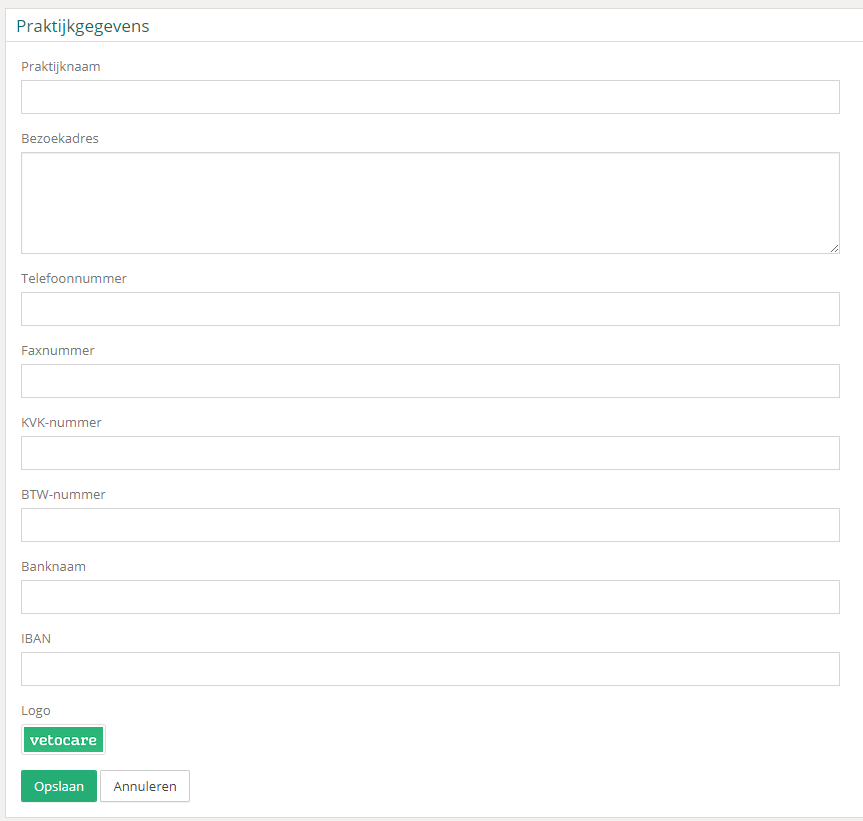
You can now update all kinds of information. The information you save here will also be applied automatically when creating invoices for clients, so make sure this information is always correct.
Don't forget to use the "Save" button to save the details!
Was this helpful?
Was this helpful?