

Delete a client
Delete a client
A client may no longer be relevant to the practice for one reason or another. In that case, you can choose to delete the client from your Vetocare.
To delete a client from your Vetocare, first navigate to "clients".
As you can see, you now have an overview of all clients in your Vetocare. Select the client you want to delete.
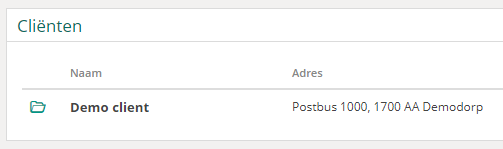
You will then find yourself in the overview for the relevant client.
To delete the client, first click the "Edit" button.
The "Delete" button will now appear. You can use this button to delete the client.

You will be asked to confirm that you want to delete the client. Once confirmed, the client will be deleted from your Vetocare.
Please note: It may be better to retain a client in your Vetocare for administrative reasons.
Was this helpful?
Was this helpful?