

Show VAT base on invoice
Show VAT base on invoice
When multiple VAT rates are regularly used in the practice, you can have Vetocare show the VAT base on the invoice. Showing the VAT base can also help ensure that invoices are imported correctly into certain accounting packages or invoicing software.
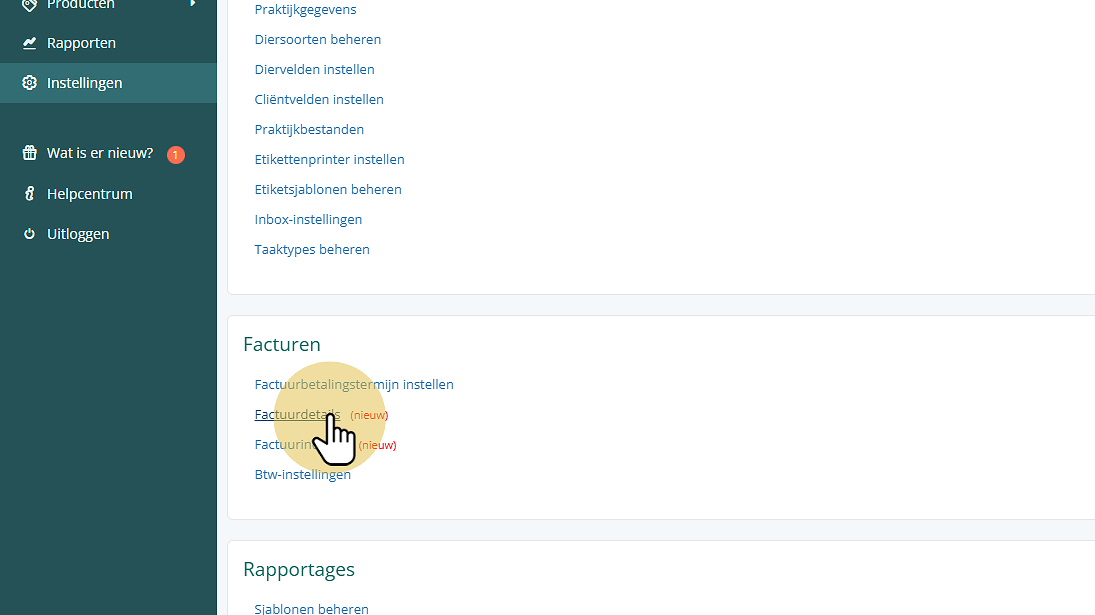
To show the VAT base on invoices, first go to Settings.
Click "Invoice details"
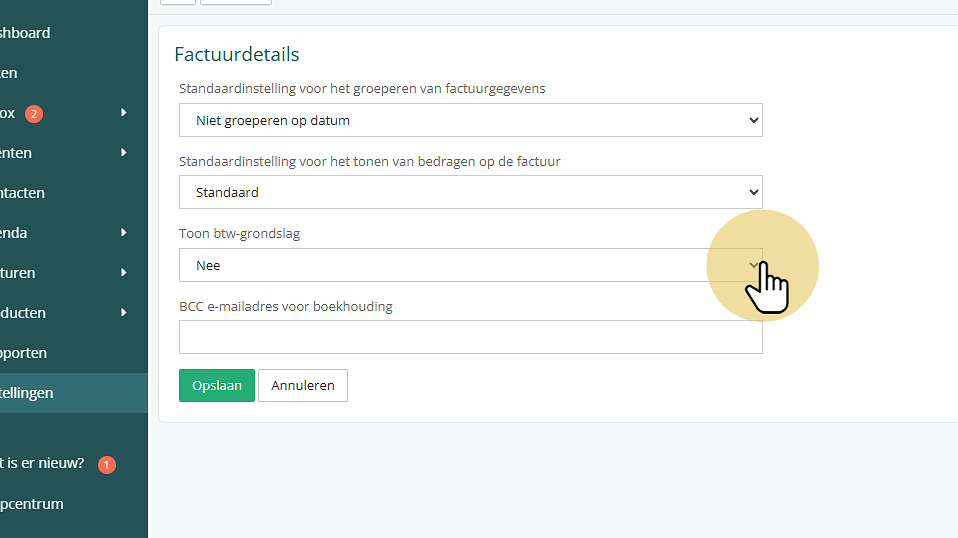
Click "Show VAT base"
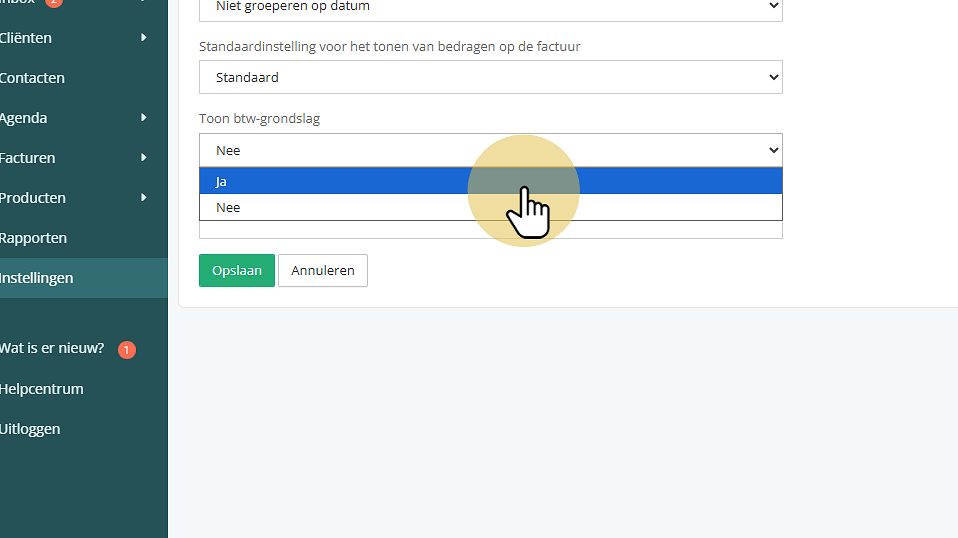
Change the setting to "Yes"
Click "Save"
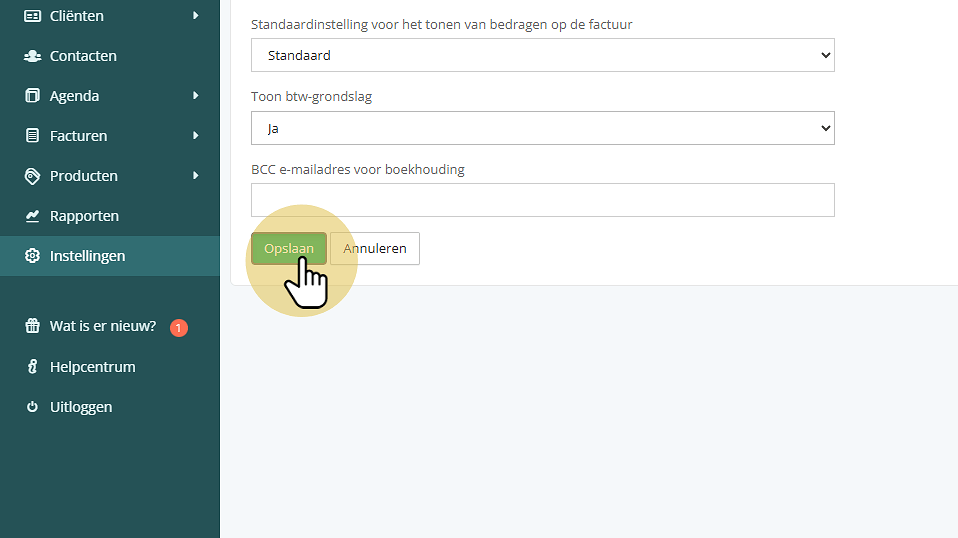
Done! The VAT base will now be shown automatically on all new invoices with more than one VAT rate.
Was this helpful?
Was this helpful?