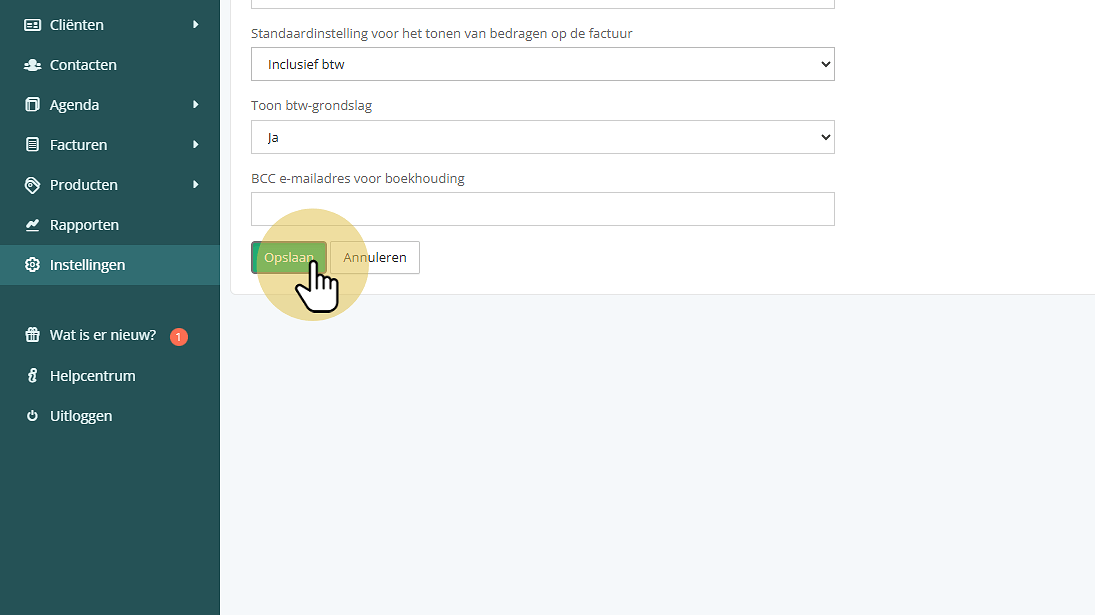
Default setting for displaying VAT on the invoice
Default setting for displaying VAT on the invoice
It is possible to adjust the default setting for displaying VAT in the invoice lines. By default, a combination of amounts including and excluding VAT is used.
An exception to this is when invoicing from the files or the Unbilled overview. Here, you can choose whether the amounts are displayed including or excluding VAT, and the setting will be suggested based on the relevant client and whether or not they are a business.
To adjust the default setting, follow these steps:
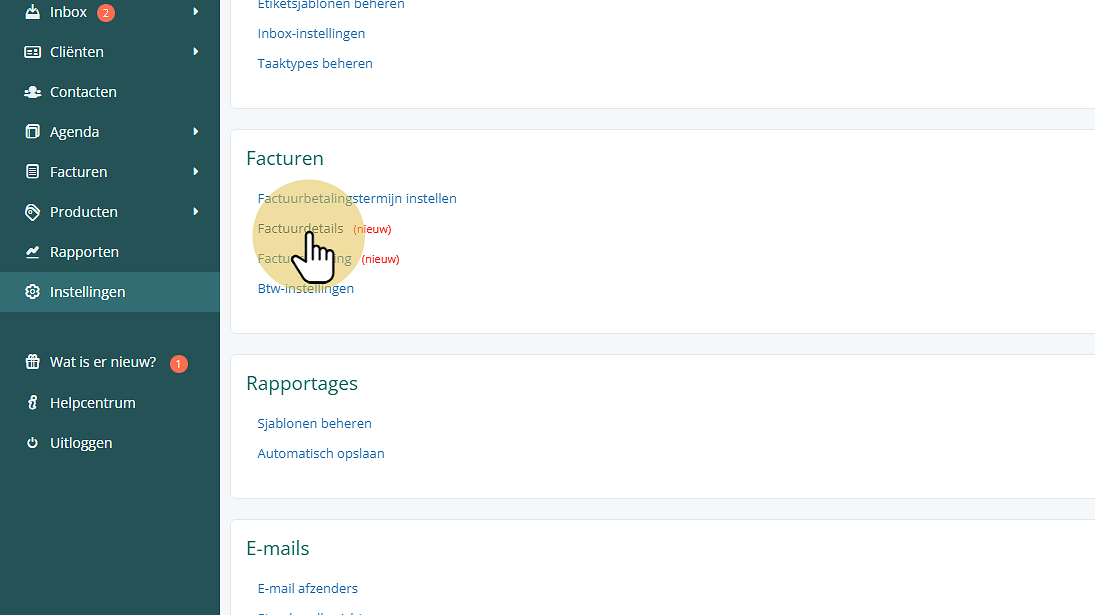
Click "Invoice details"
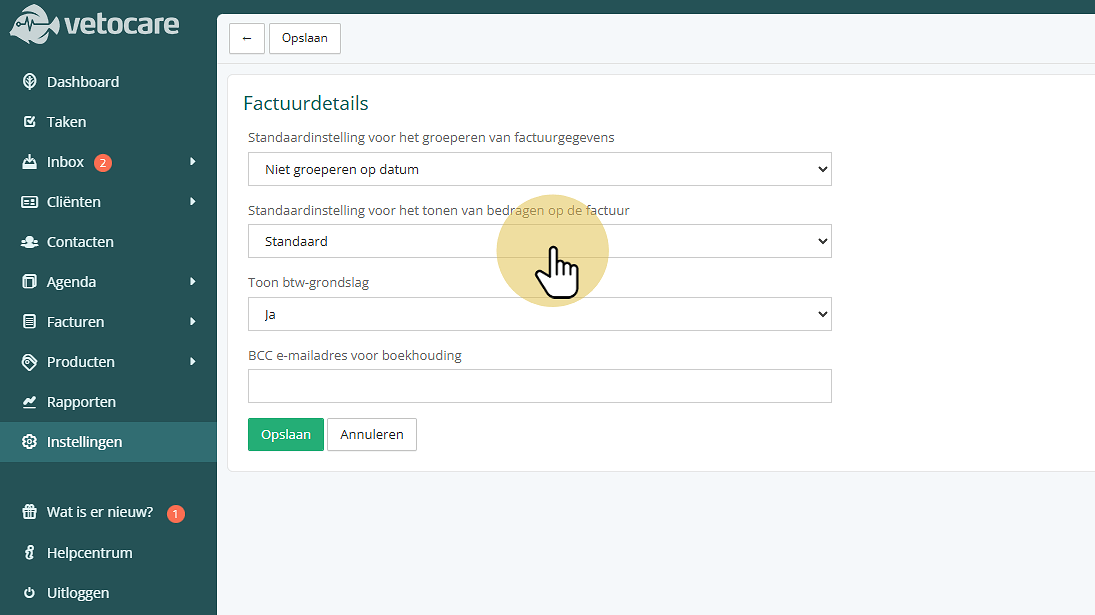
Click "Default setting for displaying amounts on the invoice".
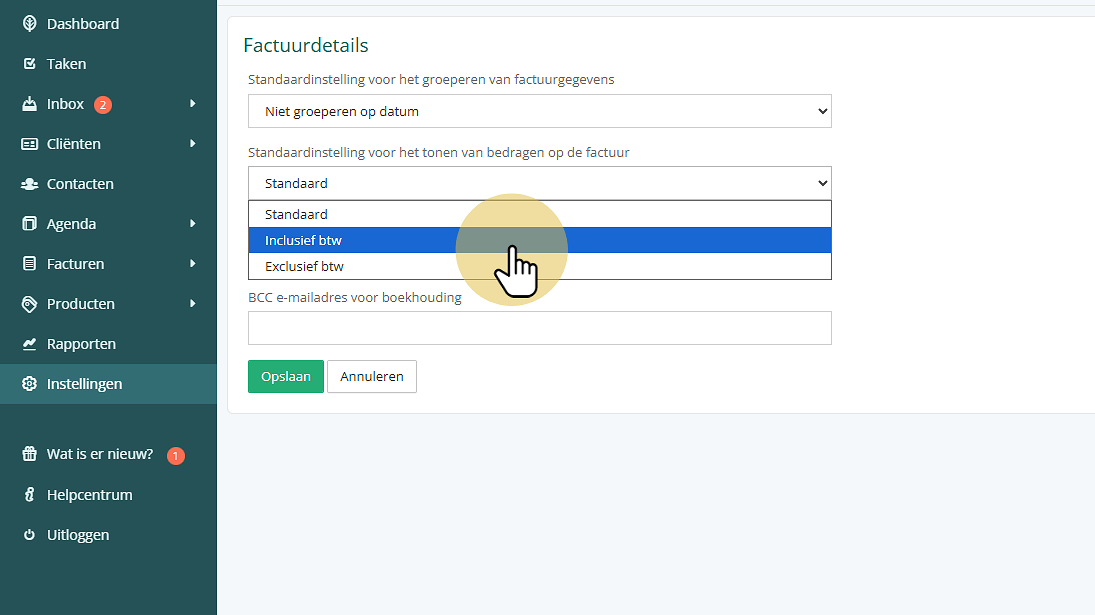
Then select the desired option:
- Default: displays the amount including VAT and the line totals excluding VAT;
- Including VAT: displays all amounts including VAT;
- Excluding VAT: displays all amounts excluding VAT.
Click "Save"