

Add appointment confirmation
Add appointment confirmation
You can easily send a customer confirmation that the appointment is in your calendar using Appointment Confirmations. These allow you to automatically send an email to the customer, so they know that an appointment has been made.
To add an appointment confirmation to an appointment, select or create the appointment from the calendar for which you want to send a confirmation.
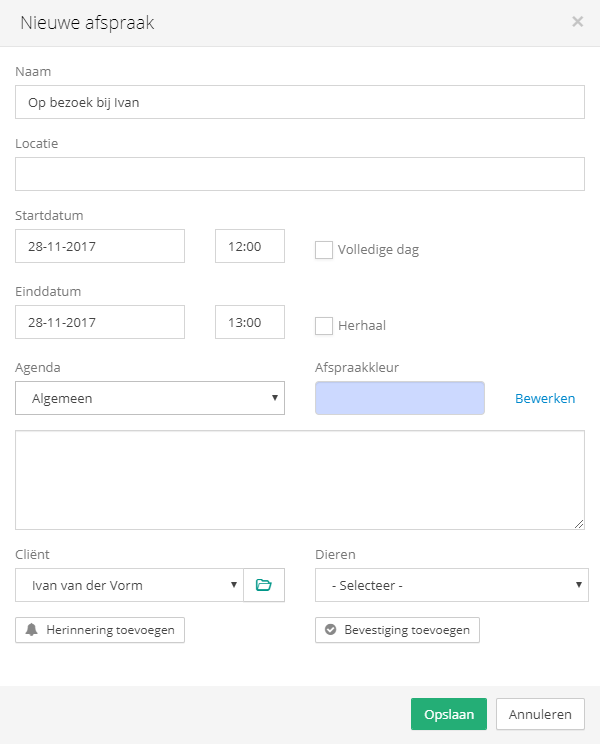
Two buttons will appear below the client's name. Click the 'Add confirmation' button to open the screen for adding an appointment confirmation.
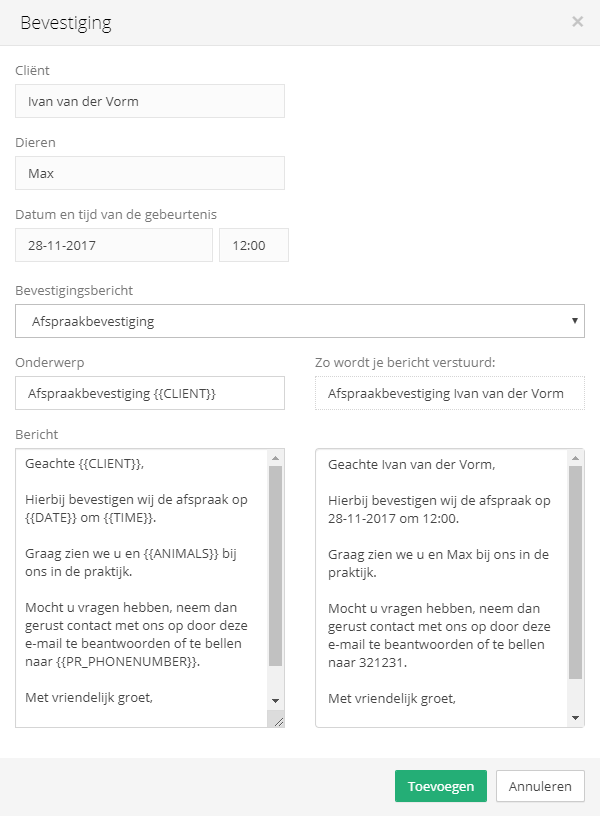
Here you can set the message you want to use for this reminder. For example, you can choose one of your standard messages or type a message yourself.
Was this helpful?
Was this helpful?