Add event
Add event
There are several ways to add a new event to the calendar. If you want to add an event directly to a client, you can also schedule an appointment for this.
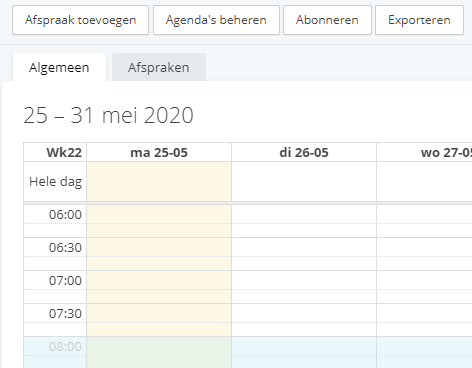
You can easily add an event to the calendar at a specific time by clicking that time. This will automatically fill in the date and time. You can also click the "Add appointment*" button in the top-left corner and enter the time manually.
In the window that opens, you can enter various types of information, such as the location and time. For example, you can also set the event to repeat every week.
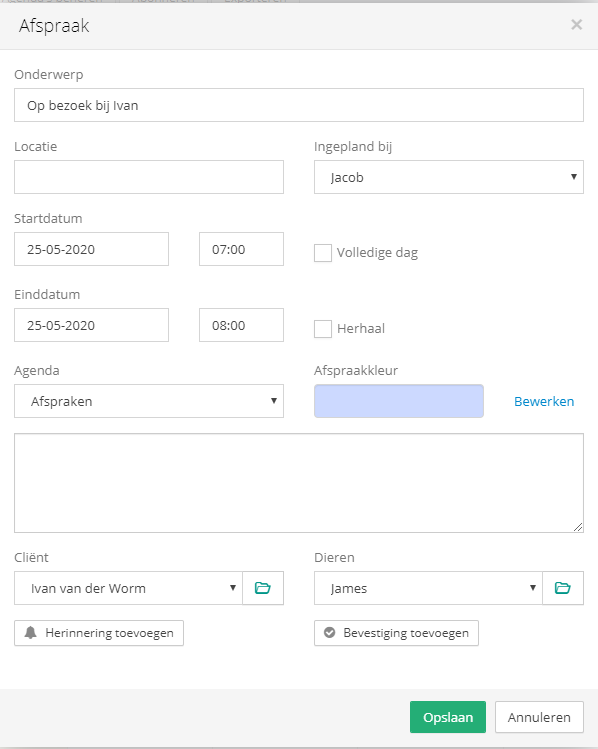
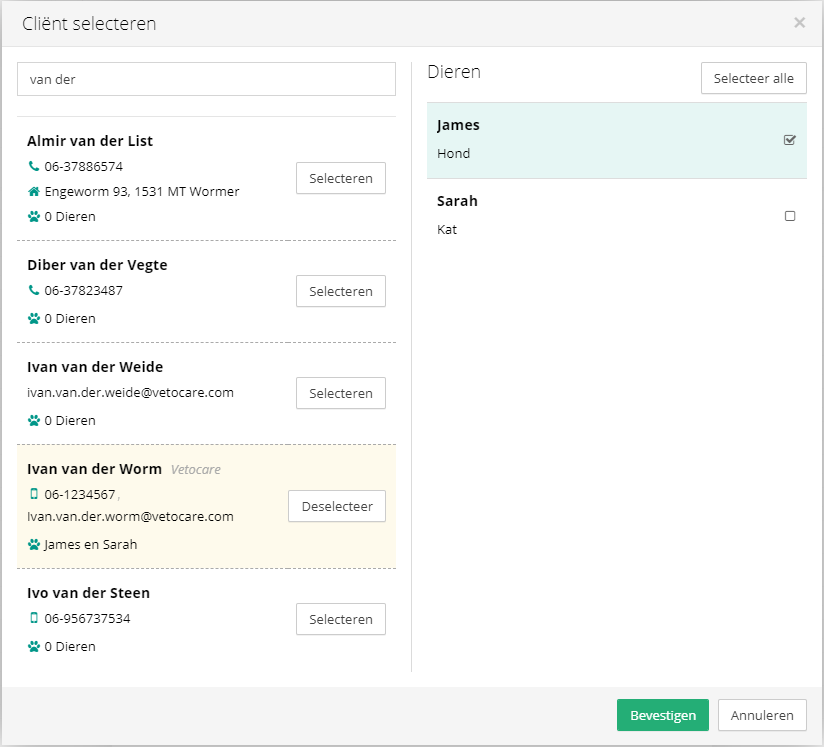
For an event, you can easily specify which client it belongs to and which animals are relevant. If you click the "Client" or "Animals**" selection fields, a window will appear where you can easily filter the clients and animals.