

Delete contacts
Delete contacts
If a contact, such as a particular supplier, is no longer relevant to your practice, you may of course want to delete it from your Vetocare for a cleaner overview.
To delete a contact from your Vetocare, first navigate to "Contacts".
You will now see an overview of all contacts in your Vetocare.
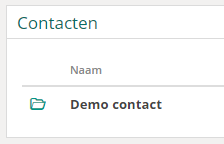
Now select the contact you want to delete from your Vetocare.
Now that you are in the overview of the relevant contact, the "Delete" button is immediately available for deleting the contact.

After using the "Delete" button, you will be asked to confirm the deletion to make sure that you want to delete the contact from your Vetocare. Once this has been confirmed, the contact will be deleted from your Vetocare.
Please note: It may be better to keep a contact in your Vetocare for administrative reasons.