

Linking contacts
Linking contacts
A contact can be linked to a client, an animal, or another contact. This can be done easily by going to the relevant record and then opening the "Contacts" tab.
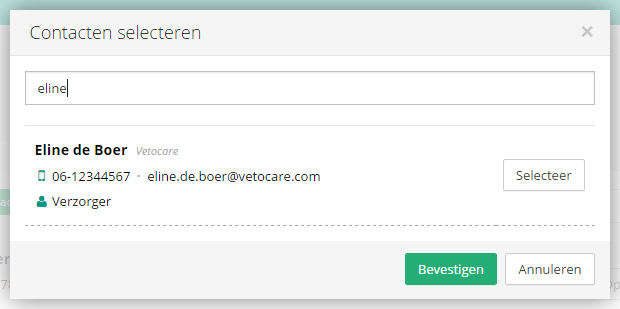
There are two buttons on this screen. Use the "Add existing contact" button to link contacts that have already been created. Simply search for the relevant contact and then select it.
Use the other button, "Add contact", to create a new contact that is then linked directly to the relevant record.
If one or more contacts are already listed in a record, you can easily unlink them again by clicking the contact in the client record and then using the "Unlink" button.
Was this helpful?
Was this helpful?