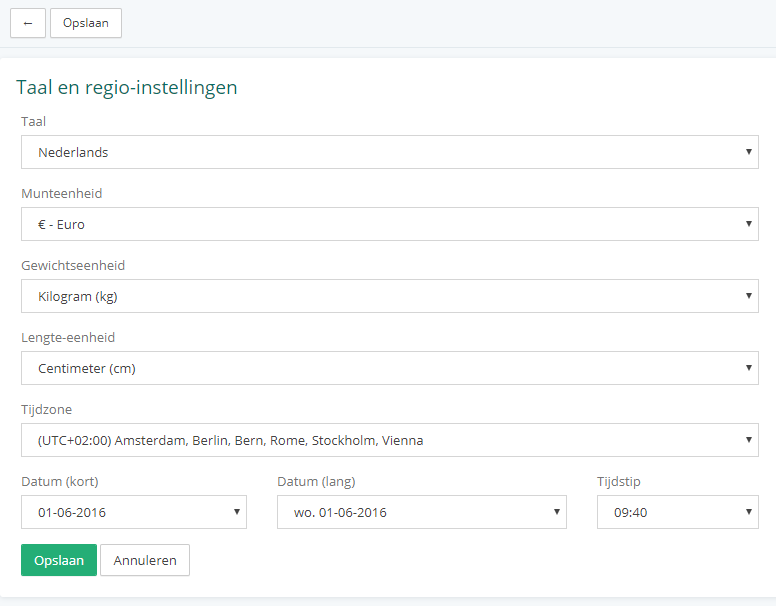
Language, units and time settings
Language, units and time settings
In Vetocare, you can configure your practice exactly the way you want. Among other things, you can choose from four languages: Dutch, English, French and Swedish. You can also select the currency and the units for weight and height. Finally, you can set the time zone and choose how the date and time are displayed in Vetocare.
To access these settings, click "Settings" in the menu.
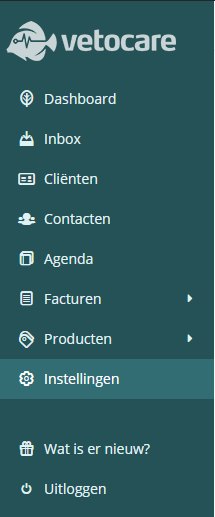
Which option you see here depends on your permissions. If your account does not have permission to change practice settings, you will see "Change language" and can only change your own language. If you do have that permission, you will see "Language and regional settings" and can set the currency, units, time zone, and date and time display for the entire practice in addition to the language. Do not forget to click "Save" for the settings to take effect.