

Set up Peppol
Set up Peppol
Setting up Peppol is very easy. We only need some information for validation, so that the correct details are included with the invoices.
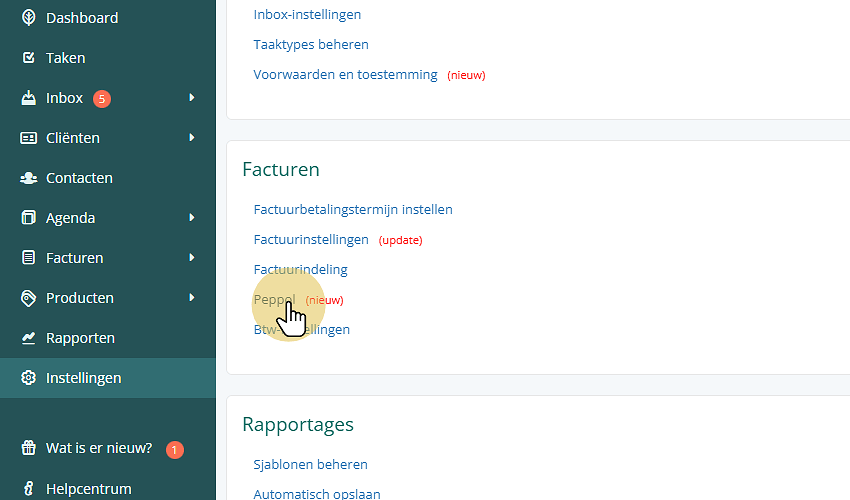
First, go to Settings and click Peppol:
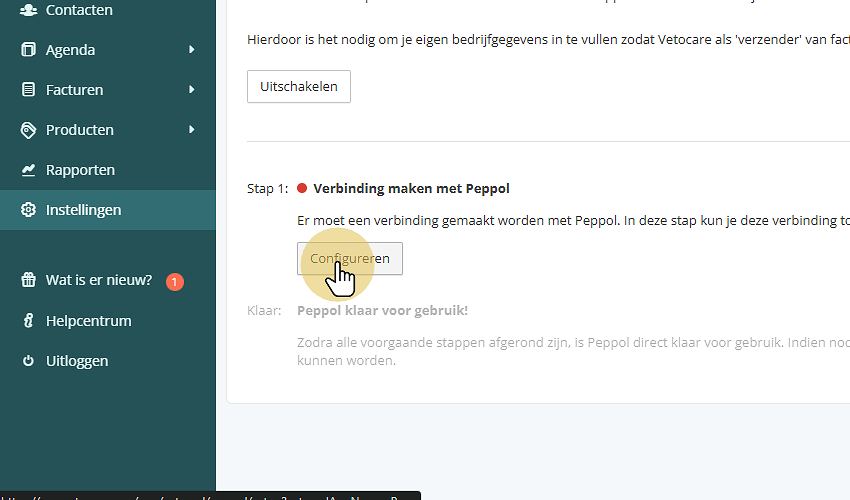
Then choose Enable

Click Configure
Then enter the practice's details.
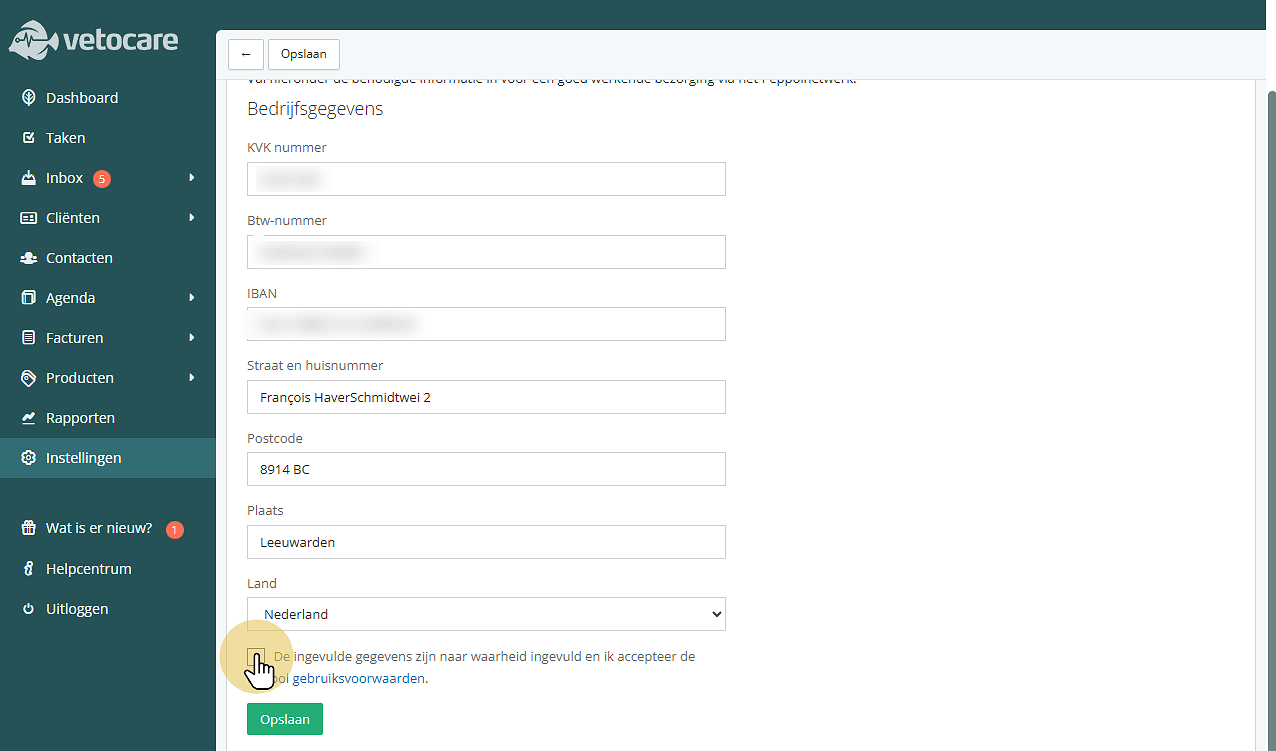
Then check the details and accept Peppol's terms of use.
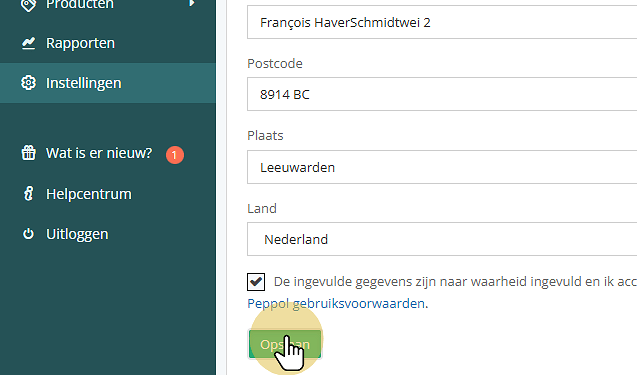
Peppol is now ready to use. Now continue with the steps under Client to enter the correct Peppol details there.
Was this helpful?
Was this helpful?