

Manage email senders
Manage email senders
With Vetocare, you can send emails directly to your clients, or indirectly through reminders, appointment confirmations, and many other features.
Using email senders, you can ensure that the email messages sent to your clients or contacts appear to come from your own email addresses. This also ensures that when people reply to these emails, their reply will always arrive at this same email address.
At least one email sender is required for all email functionality within Vetocare. This will be your default email address. To set this up, go to your 'Settings', and under the 'Emails' heading, you will find the 'Email senders' button.
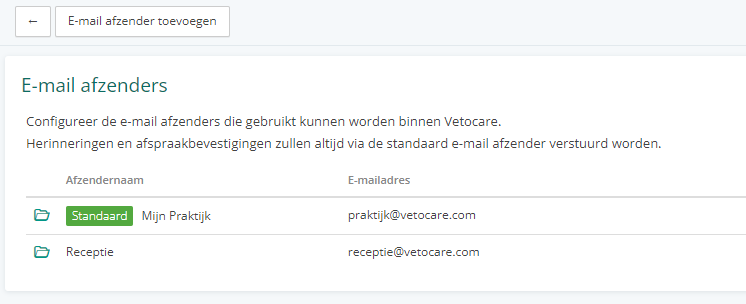
Here you can add new senders or edit existing senders.
To verify that emails can actually be received at these addresses, when you enter one, we will send an email containing a link to verify it.
For each sender, you can also set an email signature.