

Manage animal species
Manage animal species
There may be animal species that are not yet registered as a species in your Vetocare. Fortunately, you can always add animal species to your Vetocare yourself.
There are several ways to add animal species.
Via settings
Go to "Manage animal species" in the "settings" menu item.
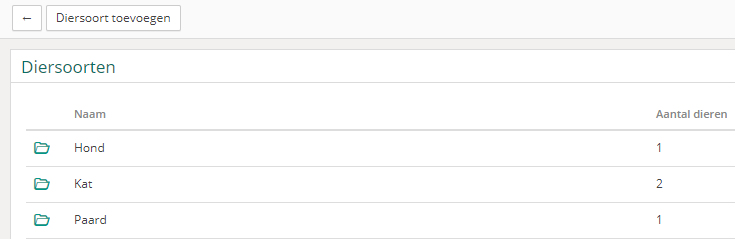
You can also see how many animals of each species you have in your practice.
To add an animal species, click the Add animal species button. You only need to enter the name of the animal species and click the save button. The animal species has now been successfully added to Vetocare!
Via a client record
When you are in a client record, you can click the Add animal button. Press the

button to start adding an animal species.
Was this helpful?
Was this helpful?