

Making appointments
Making appointments
You can add an appointment directly from a client's record.
By clicking the "Add appointment" button, a screen appears for creating a new appointment. Here, you enter all the required information, such as the description (name), location, and time.
An event or appointment can also be repeated, for example every week for a specific period.
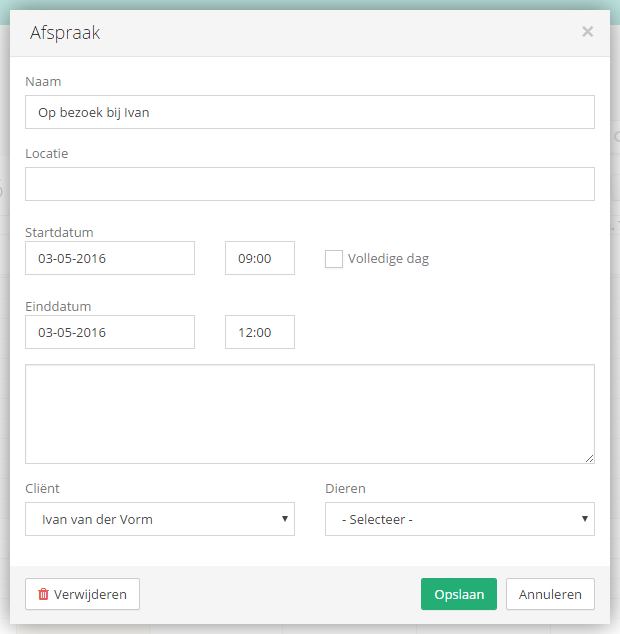
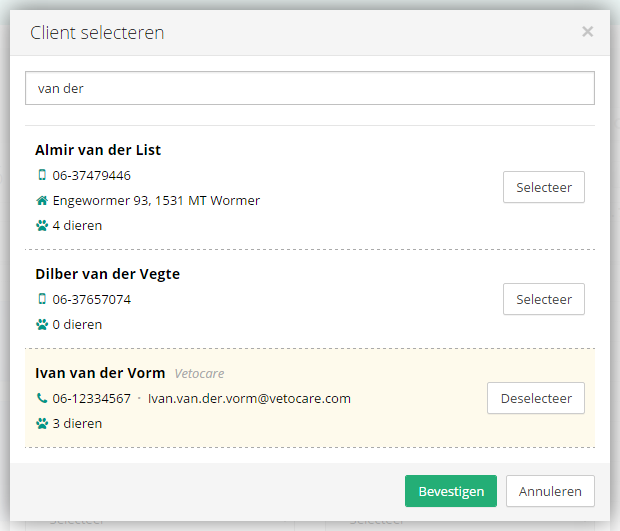
For an event, you can easily specify which client it belongs to and which animals are involved. The "Client" or "Animals" selection field opens a screen where you can easily search or filter clients or animals.
Was this helpful?
Was this helpful?