

Filling in reports
Filling in reports
The animal records of your clients contain various overviews, including 'Reports'. In this section, you can create reports using your templates.
These templates allow you to create a report about anything you want. For example, a treatment, examination, or anything else you want to document in a report.
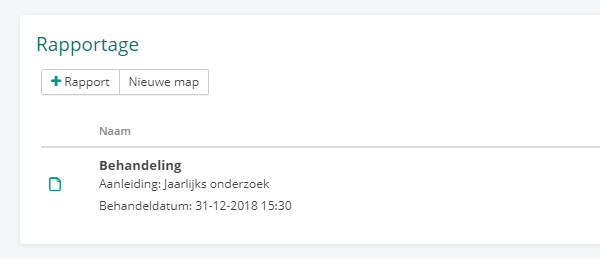
To create a report, click the + button. If you have multiple templates, select which template you want to use.
You will then see a form containing the fields from the selected template and some additional fields relevant to the client or their animal, depending on where the report is created.
Folders
By default, all reports appear separately in the list, but you can easily place them in a folder to keep everything organized, for example for a new treatment cycle or case.
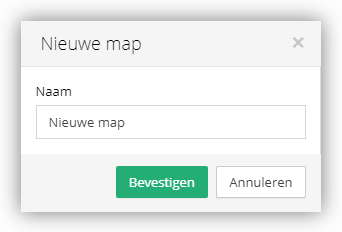
By clicking the 'New folder' button, you can create a new folder. From this folder, you can then create new reports directly or move existing reports to the folder.
To move a report into or out of a folder, click the 'Options' button for the report and then select 'Move to folder'. To remove an existing report from a folder, click the 'Options' button and then select 'Remove from folder'.