

Add a client
Add a client
Adding a client is very easy. On the first screen you see in Vetocare, you will immediately see a button labeled "Add a client". When you click it, the following screen appears.
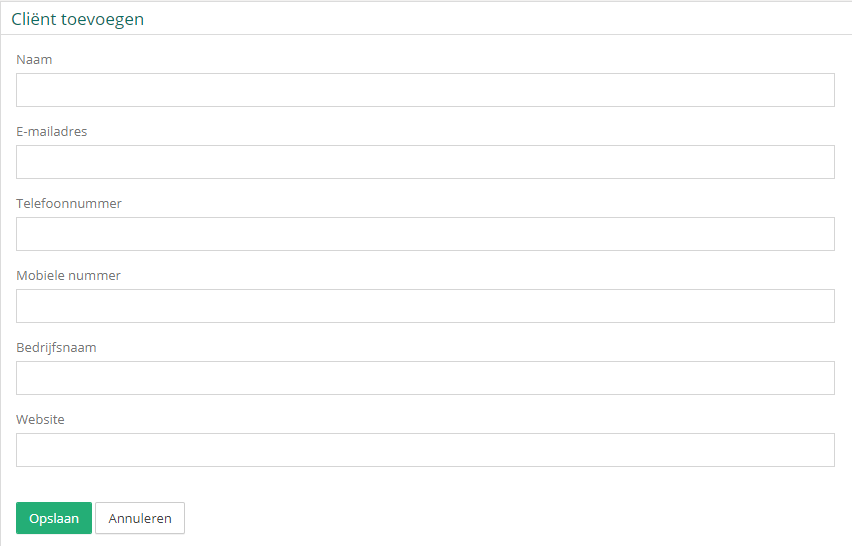
On this screen, you can enter all known information about a client. The only required field is the name. You can complete the rest later if necessary.
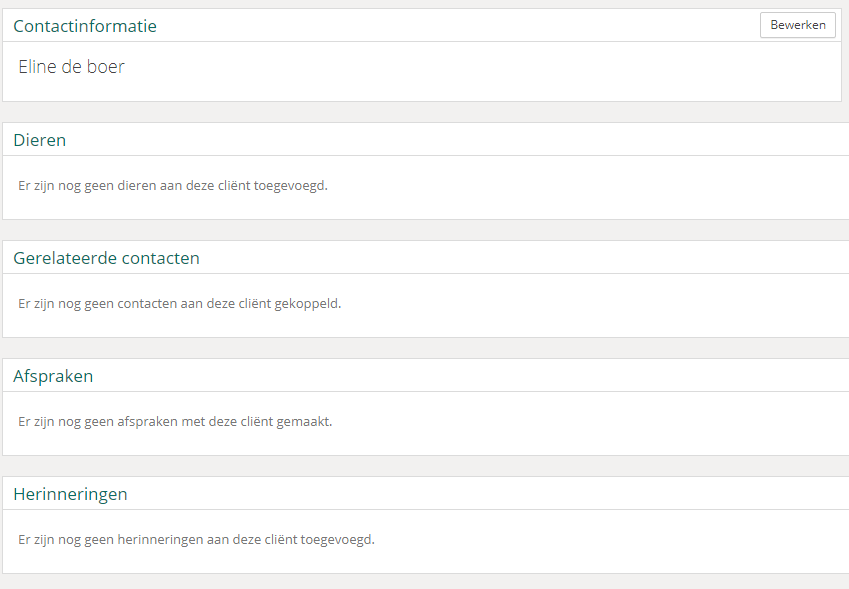
Once the client has been created, you will be taken directly to their file. This file is used to keep track of all information related to the client, such as their animals, appointment history, and linked contacts.
Was this helpful?
Was this helpful?