

Add an animal
Add an animal
Within a client record, you can easily add and view animals. You can add an animal by clicking the "Add animal" button.

The screen then displays the cover page for a new record. Next, select the species of the animal you want to add (or add a new species) and enter the animal's remaining details. Only the name and species are required; the other details can always be added or changed later.
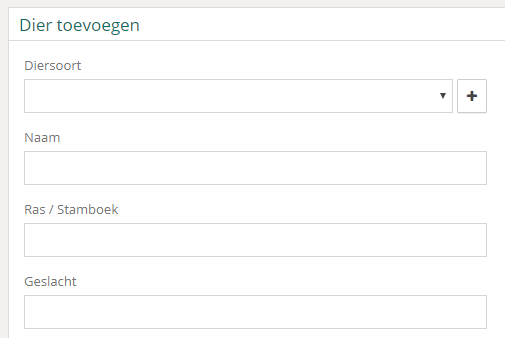
Once you have saved the record, you will be taken to the newly created record. The record contains all information about the animal, such as basic details, reports, and notes.
Was this helpful?
Was this helpful?